How we built a secure, AI-assisted customer portal and staff admin panel that gives aviation clients live access to their sales orders, invoices, documents and shipment tracking.
LGM Aviation sources and supplies aircraft parts for operators and MROs around the world. Order status, invoices, certificates and shipping details all lived in their ERP.Aero system, so every "where is my part?" question meant an email or a phone call to the LGM team, often across time zones and sometimes for an aircraft on the ground.
Clients are spread across Europe, the Americas, the Middle East and Asia. Any self-service tool had to work properly in English, French, Spanish, Arabic (right-to-left) and Mandarin Chinese from day one, including emails and notifications, not just the menus.
Hundreds of companies are held in the ERP, from airlines to repair stations. Each client must only ever see its own orders and documents, LGM staff need controlled access across all of them, and every administrative action has to be traceable.
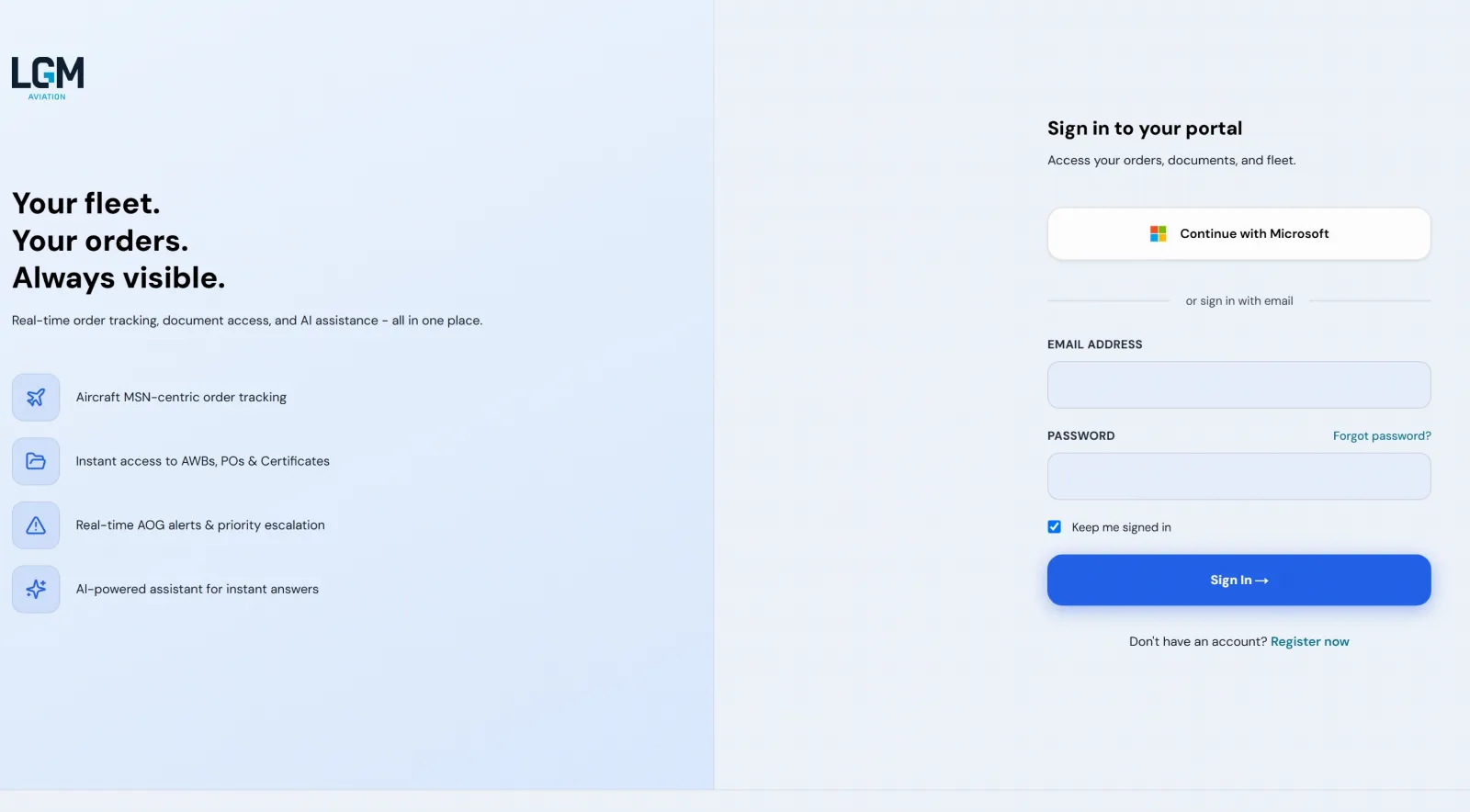
We built a bespoke customer portal that reads directly from ERP.Aero through a secure gateway. Clients log in to a dashboard with their open orders and AOG alerts, browse sales orders with filters, open invoices and download documents, all scoped to their own company.
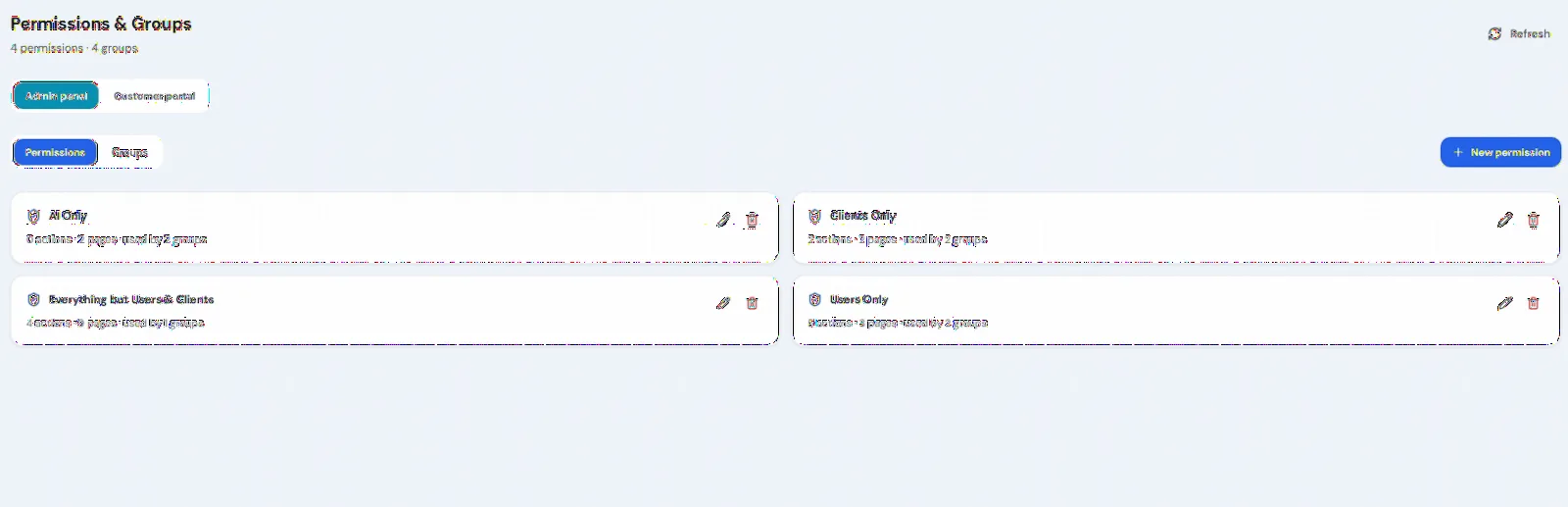
A separate admin panel lets LGM staff approve or reject access requests, link users to the right ERP company, whitelist email domains for automatic onboarding, manage custom permissions and groups, send notifications and review a full audit log.
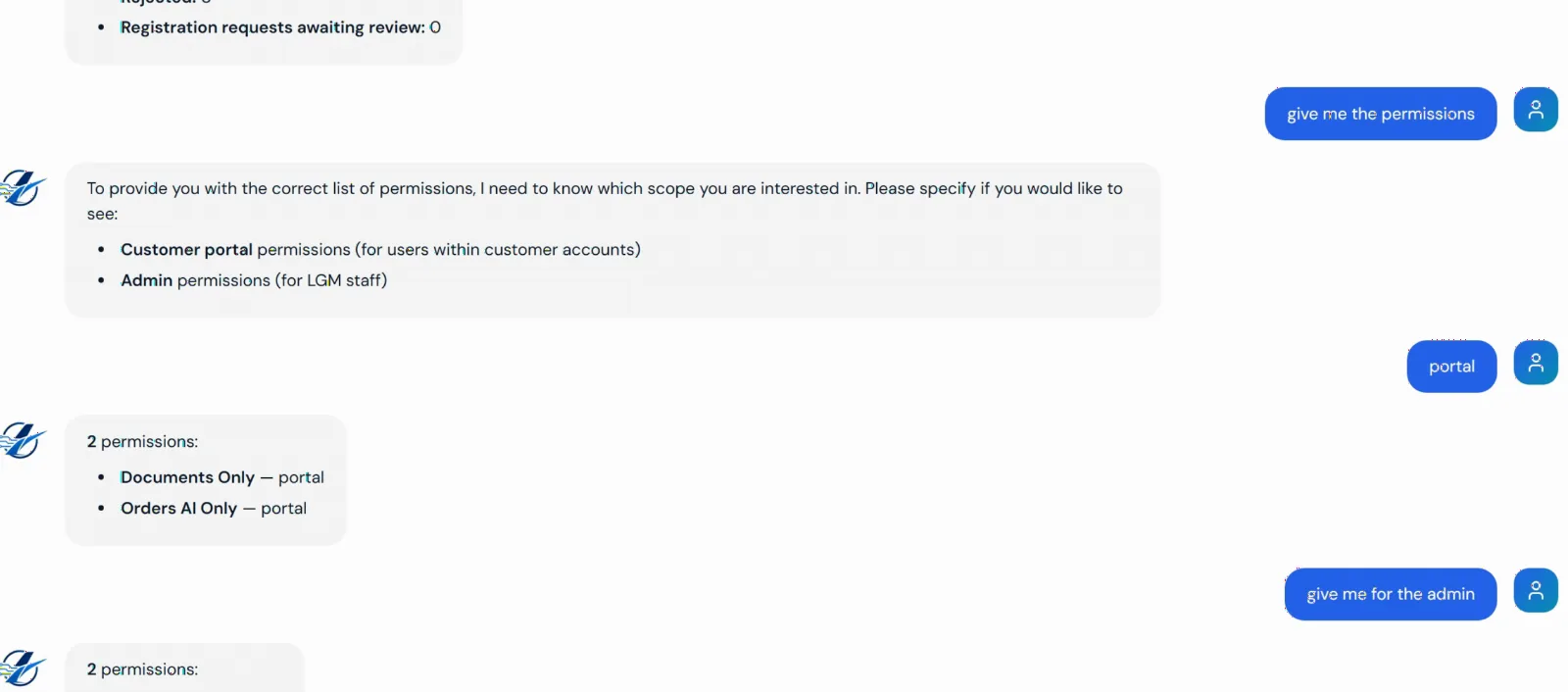
Both portals include an assistant powered by our Tec-AI platform. Clients can ask "how many AOG orders do I have?" or "where is order X?" and get an answer built from their live ERP data and carrier tracking. LGM staff get an admin assistant that can look across clients, users, contacts and orders, limited by their own permissions.
Most of the risk in a project like this is not the code, it is the unknowns: what the ERP can really provide, what clients actually need, and who owns which decision. We treated the consultancy as part of the delivery, not a phase before it.
We started by listing the questions LGM's clients ask every day and turned them into screens, data needs and a written ERP.Aero integration requirements document, agreed before any build started.
We tested every ERP.Aero endpoint against every planned feature and produced a prioritised gap report, covering items such as fleet data, AOG priority and document filtering, so both LGM and the ERP vendor knew exactly what was missing and why it mattered.
We wrote precise API specifications for the ERP vendor, worked through sandbox and production access, and designed workarounds so the portal kept moving while vendor changes were in the queue.
When LGM wanted a fleet view, we set out the two options side by side: an ERP-side build quoted at 8 to 10 weeks, or a portal-side build of about 2 weeks with nothing changing for LGM staff. LGM made the call with the cost, time and risk in front of them.
We benchmarked the ERP API response times before choosing the caching approach, instead of guessing. That is what keeps large order books fast in the portal and in the AI assistant.
Work ran in two-week sprints, each ending with a demo to LGM, a single point of contact on our side and a living status report showing what was done, what was blocked and who needed to act.
Before launch we audited around 90 API routes and the AI tools for authentication and client-data isolation, added security hardening, and backed the platform with 280+ automated tests.
A step-by-step deployment and go-live runbook, a portal user guide and admin help in all five languages, and ongoing support after launch mean LGM is not dependent on memory or goodwill.
The platform sits between LGM's clients and ERP.Aero, adding identity, permissions, notifications and AI on top of the ERP data:
Users sign in with Microsoft, Google or email and password. Unknown users land in an approval queue, while users from a whitelisted company domain are matched to their account automatically.
Each user is tied to an ERP.Aero company. The gateway handles token refresh and retries, and every request for orders, invoices or documents is filtered to that company before it reaches the browser.
Some clients have more than a thousand orders. The portal keeps a per-client order set that is refreshed in the background and fully reconciled on a schedule, so lists, dashboards and AI answers stay quick without hammering the ERP.
LGM decides which ERP order statuses clients can see through a status registry. New statuses are imported from the ERP but stay hidden until staff review them. Shipments link through to carrier tracking, with DHL tracking data pulled live.
A single notification service delivers in-app and email messages from localised templates, respecting each user's channel choices and quiet hours. Critical AOG alerts are allowed to break through quiet hours.
LGM Aviation now gives its clients a self-service view of their business that works in their own language, at any hour:

A bespoke customer portal and staff admin panel connected to the ERP.Aero system. Aviation clients log in to see their own sales orders, invoices, documents and shipment tracking, and LGM staff manage access, permissions, notifications and an audit log from the admin side.
Through a secure server-side gateway that handles authentication, token refresh and retries. Every request is filtered to the signed-in user's ERP company before any data reaches the browser, so clients only ever see their own records.
English, French, Spanish, Arabic and Mandarin Chinese, including a right-to-left layout for Arabic and localised email and notification templates.
Clients can ask questions such as how many AOG orders they have or where a specific order is, and the assistant answers from their live ERP data and carrier tracking. LGM staff have a separate assistant that can look across clients, users and orders, limited by their own permissions.
Requirements discovery, a written ERP.Aero integration specification, an API gap analysis shared with the ERP vendor, build-or-buy options for new features such as a fleet view, API performance benchmarking, a pre-launch security review and a go-live runbook, all delivered in two-week sprints with a demo at the end of each.
Start with a consultancy session: we look at your ERP, your clients' most common questions and what your systems can really provide, then give you a clear plan with options, timings and risks. Build only when it makes sense.
Get a Free Consultation+44 (0)20 4577 1772
Preferences are saved on this device.